Xbox Ip Puller — Install

OmegaT is a translation memory application that works on Windows, macOS, Linux… It is a tool intended for professional translators. It does not translate for you! (Software that does this is called "machine translation". OmegaT can interface to some machine translation programs or Internet services)

OmegaT is free software. That means that users like you can download and use it with no restrictions. You are also free to copy it and pass it on to other people and even modify OmegaT to suit your own requirements. A more detailed explanation of free software can be found on the Free Software Foundation website.

Professional features

  • Fuzzy matching
  • Match propagation
  • Simultaneous processing of multiple-file projects
  • Simultaneous use of multiple translation memories
  • User glossaries with recognition of inflected forms

Work with more than 30 file formats

  • Microsoft Office Word, Excel, PowerPoint (2007 or later)
  • XHTML and HTML
  • OpenDocument Format (native file format for LibreOffice, Apache OpenOffice)
  • MediaWiki (Wikipedia)
  • Plain text
  • …and around 30 other file formats

Powerful tools

  • Unicode support: can be used with various alphabets and scripts
  • Support for right-to-left languages
  • Integral spelling checker that uses Hunspell dictionaries (same as in other software such as LibreOffice or Mozilla FireFox)
  • Compatible with other translation memory applications via exchange formats such as TMX, TTX, TXML, XLIFF, SDLXLIFF
  • Interface to machine translation/neural machine translation software/Web services
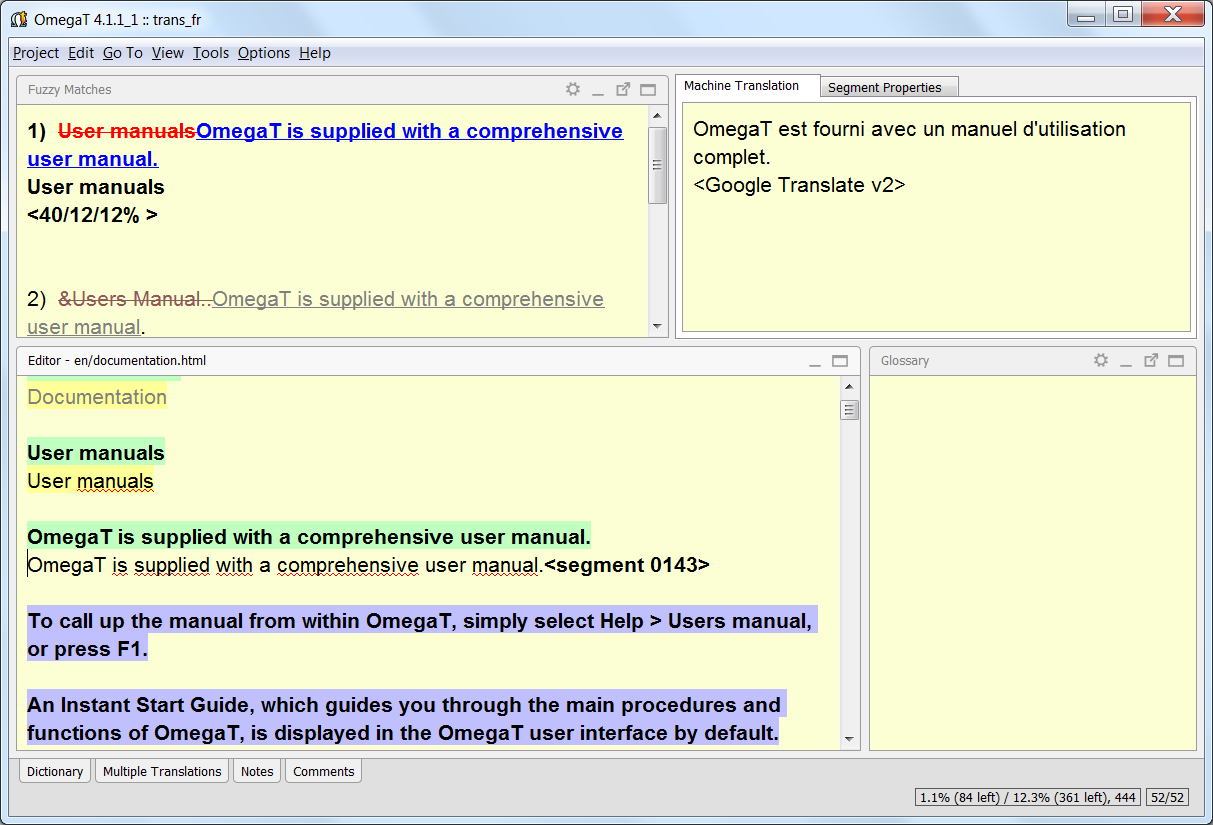
OmegaT Screenshot
 

Download

OmegaT is available in many different versions in order to suit a range of user requirements.

To find the version most suitable for you, follow the link below to the Download Selector.

Alternatively, if you already know which version you wish to download, click on the button to have an overview of the different OmegaT versions available.


Xbox Ip Puller — Install

The most common method involves routing your Xbox's internet traffic through a computer to "sniff" the data packets. Tools Required

These tools generally fall into three categories:

Leo’s heart became a fist punching his ribs. “I—I didn’t know—I was just pulling an IP for a game—”

This guide focuses on installing and configuring , as it is the most widely used free option. Step 1: Download the Software xbox ip puller install

Press . Wireshark will now only display User Datagram Protocol (UDP) traffic traveling to and from your Xbox.

An Xbox IP puller (or IP sniffer) is a software tool designed to analyze network traffic passing between a console and other connected devices. In multiplayer environments that utilize peer-to-peer (P2P) connections, consoles connect directly to one another. Network sniffers monitor these connections and display the IP addresses of the connected parties. Common categories of these tools include:

: Often cited as one of the most effective IP pullers, this software uses ARP spoofing to intercept network traffic and filter for specific ports, such as Xbox Party port 3074. The most common method involves routing your Xbox's

Using network monitoring tools like Wireshark on your own home network is completely legal. It is a fundamental practice taught in IT and cybersecurity courses to understand data packet structures, latencies, and network vulnerabilities. However, the intent behind using these tools matters:

: The software convinces the Xbox that the computer running the puller is the network gateway, allowing it to "see" all incoming and outgoing traffic.

An IP address reveals a player's general geographic location (city or postal code) and ISP. Step 1: Download the Software Press

The rise of IP puller tools is a direct consequence of the way older P2P networking works. , which shield player IPs by routing all traffic through a central server. However, backward‑compatible titles, indie games, and cross‑platform P2P games remain vulnerable.

A premium, user-friendly packet sniffer optimized specifically for gaming consoles.

Connect your Xbox directly to your PC’s Ethernet port using a second network cable.

How to Pull IPs on Xbox: All Possible Ways - Proxy Review Hub

